 ORNATE
Screens from the builder
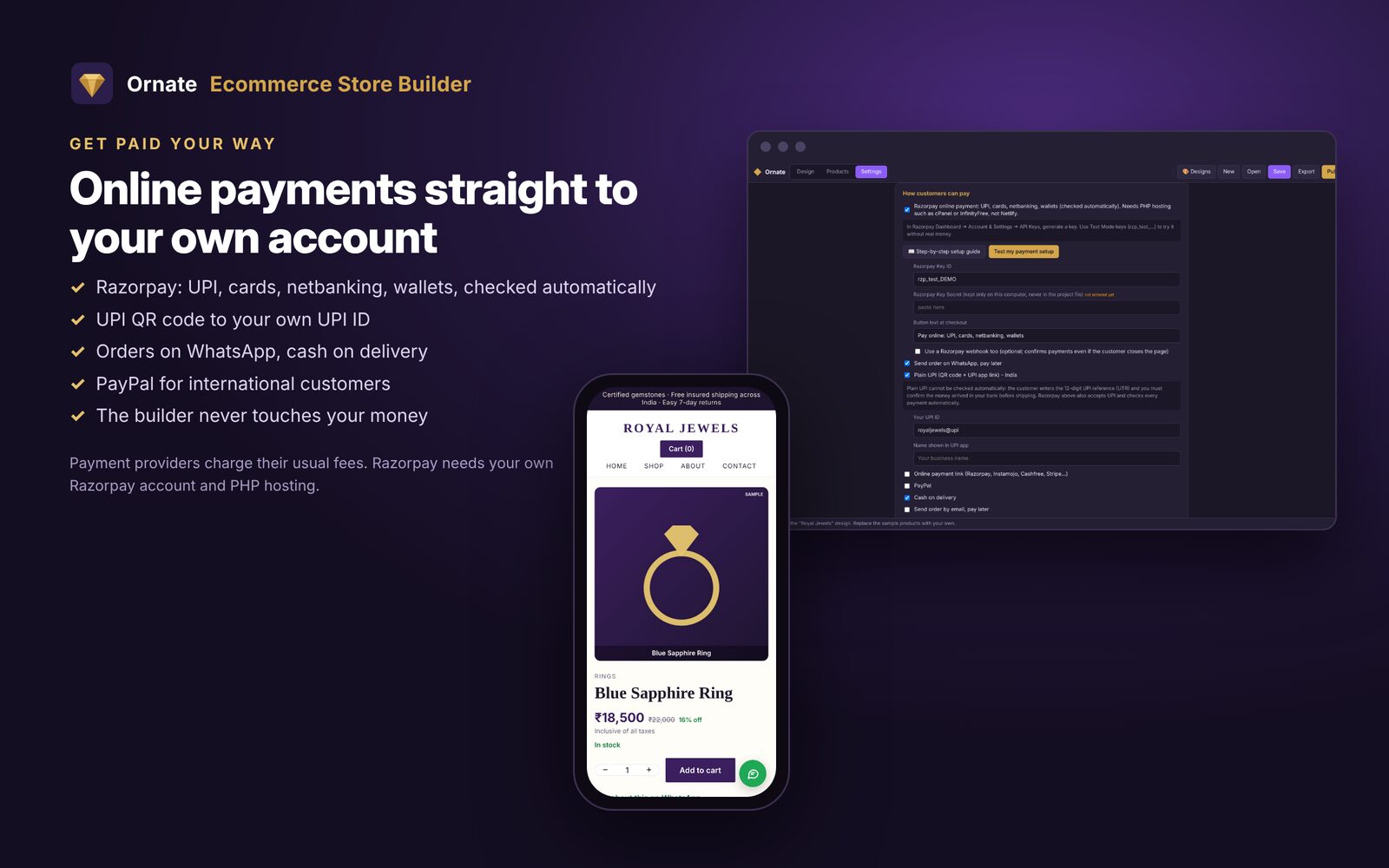
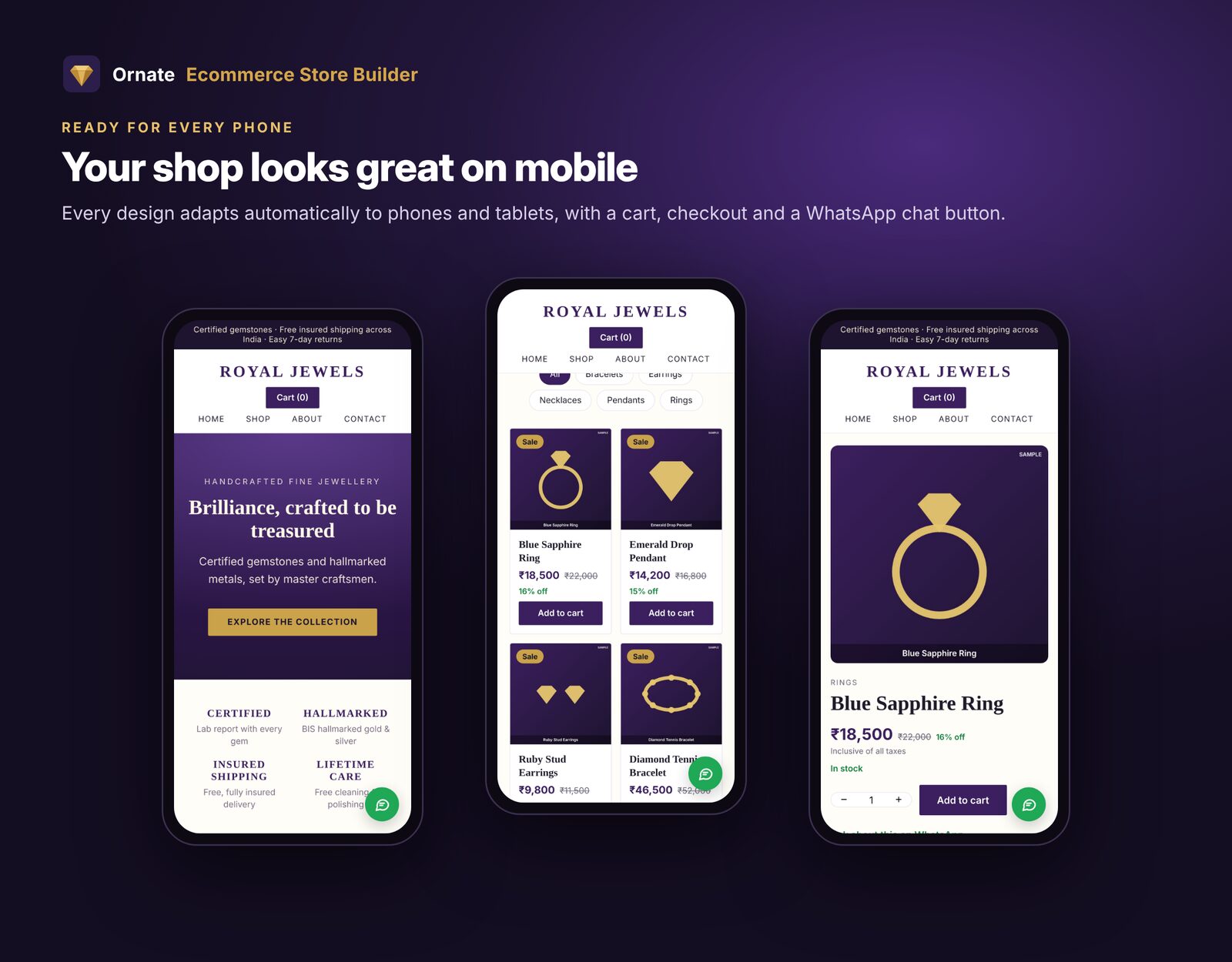
Products with photos, prices, stock and options. Payment settings for Razorpay, UPI and WhatsApp. Every design adjusts to phones.
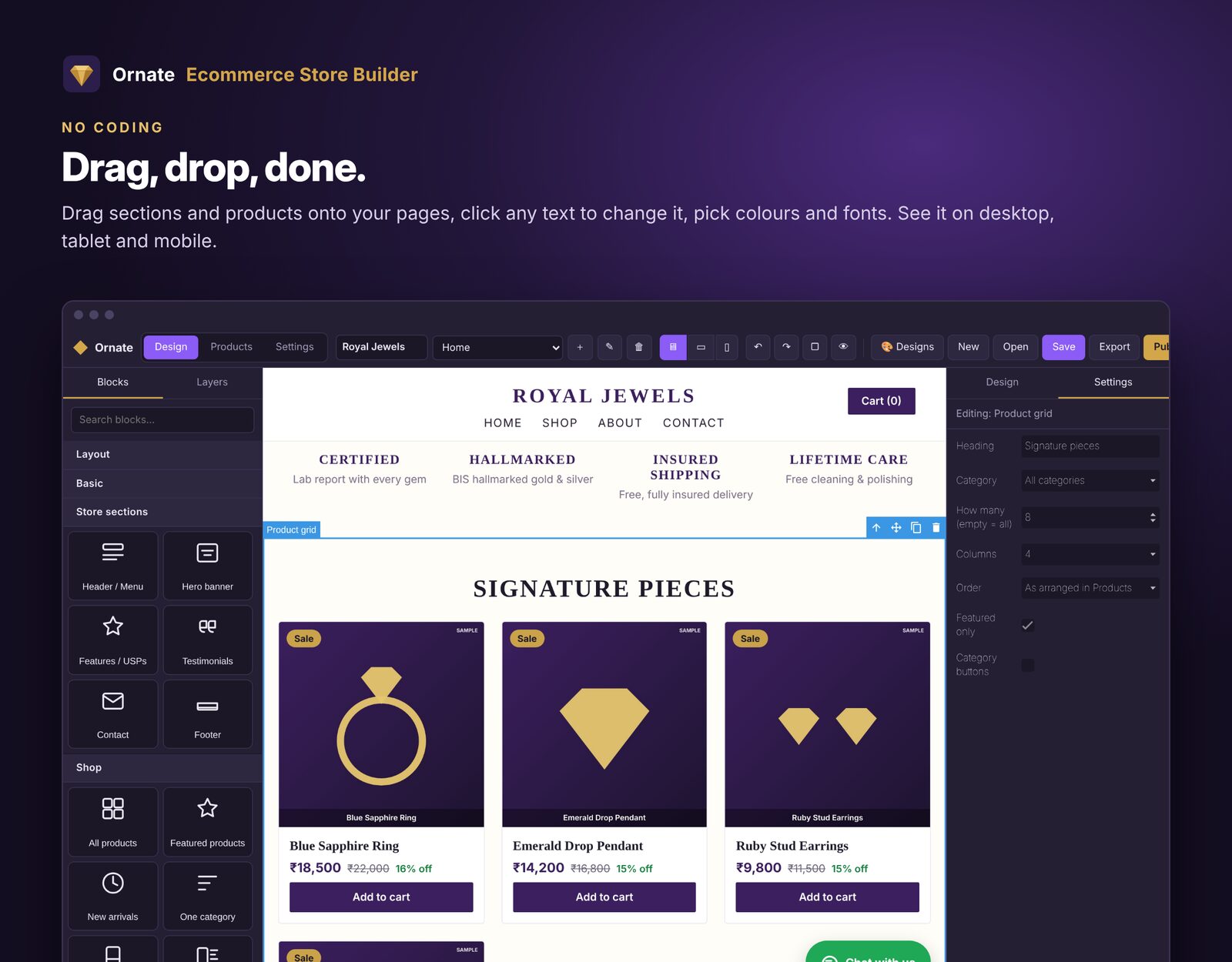
Why pay every month for a store builder? Design your shop offline by drag and drop, add products and payments, and upload it to your own website. $20 for life after a free 7-day trial.
A 90-second walk-through: install, pick a design, add products, set up payments and upload by FTP.
Most people have a working shop online within an hour.
Download the free trial (or your purchase) from Gumroad and double-click Ornate-Store-Builder-Setup. Accept the licence agreement and click Install.
Click Try it free for 7 days, or copy the licence key from your Gumroad receipt, click Paste and Activate. Keep the internet on for this step; after that the builder works offline.
Pick one of the 6 ready-made designs and type your store name. It comes with sample products marked SAMPLE that you replace with your own.
Open Settings: store name, currency, colours and fonts, WhatsApp number with country code (e.g. 919876543210), email, address, delivery charges and payment methods.
Open Products. Use Add products from photos to turn many photos into products at once, or import a CSV / Excel file. Fill in name, price, MRP, stock, category and description. Add options like size or gift box, each with its own extra price and stock.
Open Design, drag blocks onto the page and click any text or picture to change it. Use the desktop, tablet and phone buttons to check every screen size, and Export to try the real shop on your computer.
In your hosting control panel (cPanel, Hostinger, GoDaddy, BigRock…) open FTP Accounts and note the server (e.g. ftp.yourdomain.com), username, password and folder (usually public_html; InfinityFree uses htdocs). Turn on free SSL (https) for your domain too.
Click the gold Publish button, choose FTP / cPanel, fill in the details and your website address, keep Upload only changed files ticked and click Publish now. Your shop is live in a minute or two.
Changed a price or stock? Click ⇡ Prices & stock: only the price list is uploaded, in a few seconds. Use Publish again for design changes or new products.
| Way | Best for | Cost |
|---|---|---|
| Netlify | Easiest start, no server needed. Free address like yourshop.netlify.app with https. Paste a Netlify access token and publish. | Free |
| FTP / cPanel | Your own hosting and domain. Needed for Razorpay online payments. | Your hosting plan |
| SFTP | VPS or cloud server (advanced). | Your server |
| ZIP file | Upload yourself through your hosting's File Manager, then Extract. | – |
| Method | How the customer pays | Checked automatically? |
|---|---|---|
| Razorpay | UPI, cards, netbanking, wallets on your site (needs PHP hosting, not Netlify) | Yes |
| Plain UPI | QR code + UPI link to your UPI ID; customer enters the 12-digit UTR | No, check your bank before shipping |
| WhatsApp order | Order arrives on your WhatsApp; you agree payment | No |
| Payment link / PayPal | Your Instamojo, Cashfree, Stripe or PayPal.me page | By that provider |
| Cash on delivery | Pays on delivery | – |
Money always goes straight to your own account. The builder never handles it.
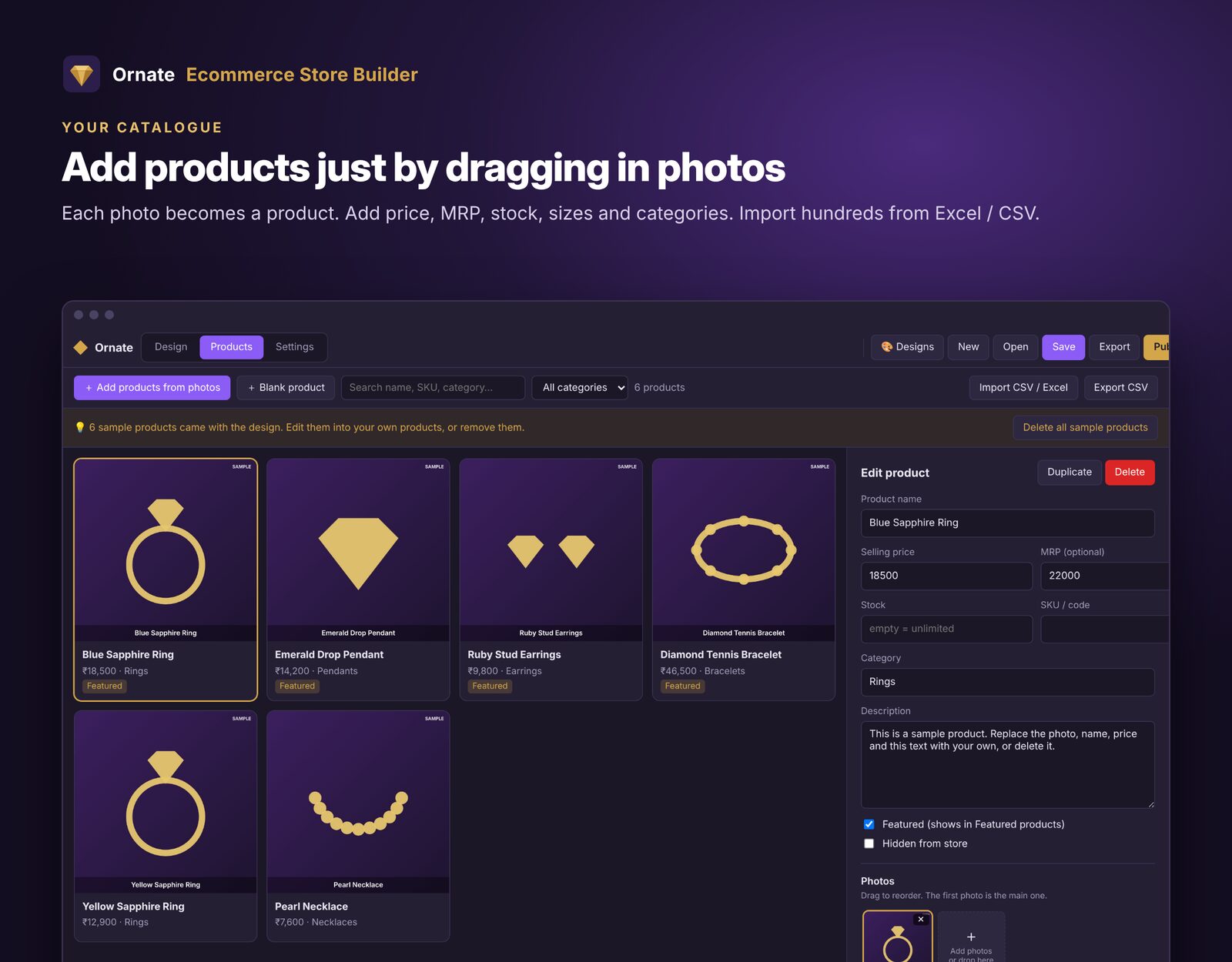
Products with photos, prices, stock and options. Payment settings for Razorpay, UPI and WhatsApp. Every design adjusts to phones.
No. The licence is $20, paid once, with free updates. You only pay your own web hosting (or use Netlify free).
The full designer for 7 days with up to 5 products. You can export your shop to try it on your computer (pages carry a TRIAL stamp). Publishing needs a licence; when you buy, everything you made stays.
Windows 10 or 11, 64-bit, with about 500 MB free space.
One licence works on one computer. You can move it to a new computer with "Move licence".
Yes, agency use is allowed.
No. Payments go straight to your own Razorpay, UPI or bank account. Payment providers charge their own usual fees.
Free for 7 days. Then $20 once, yours for life.